
Disclosure: This post contains affiliate links. If you click through and make a purchase, I may earn a commission at no extra cost to you. I only recommend tools I’ve genuinely tested.
I’ll be honest with you. I’ve been writing about digital tools and online business for a long time — long enough to remember when building a website meant either hiring a developer, spending weeks fumbling through a template editor, or both. The blank screen problem was real. You’d stare at it, rearrange a few things, hate what you saw, and close the tab.
Table of Contents
- What Is the WordPress AI Website Builder?
- The 10-Minute Walk-Through: What I Actually Did
- What the WordPress.com AI Builder Gets Right
- Who Should Use This — And Who Should Know What to Expect
- Why "I'll Build a Website Later" Is Costing You More Than You Think
- Final Verdict: Worth Trying? Absolutely.
So when I heard that WordPress.com had launched an AI-powered website builder, I was genuinely curious — but also a little skeptical. AI-generated websites sound exciting in a press release. In practice, they often mean auto-filled lorem ipsum and a generic layout that looks like everyone else’s.
I decided to find out for myself. I set a timer. I went to wordpress.com/ai-website-builder, typed in what I wanted, and I let it do its thing.
What happened next surprised me — and I think it’ll surprise you too.
What Is the WordPress AI Website Builder?
Before we get into my experience, let me give you a quick orientation — because this isn’t just another drag-and-drop tool with an AI label slapped on it.
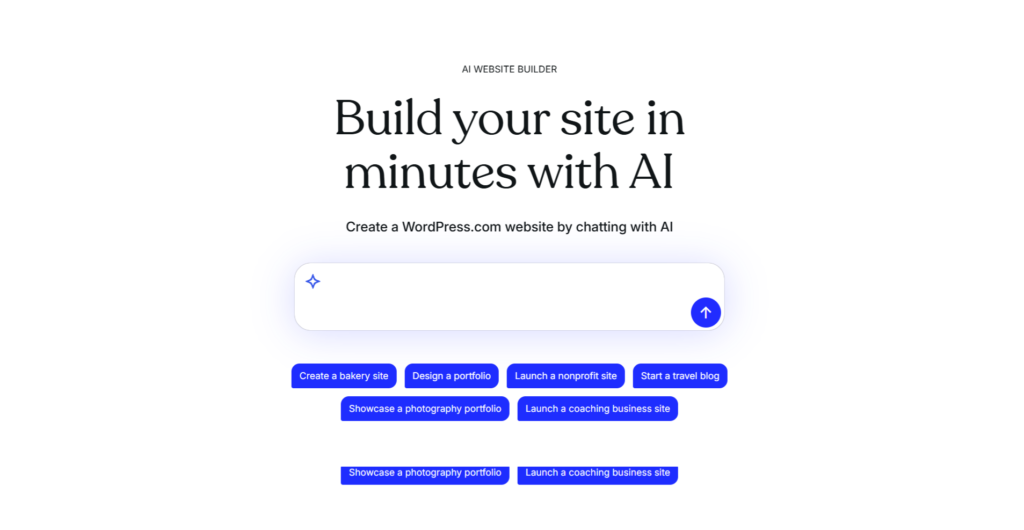
The WordPress.com AI website builder is a conversational creation tool. You describe what you want in plain, everyday language — your business type, what you need the site to do, how you want it to feel — and the AI generates a full website in real time. Pages, layouts, written content, images. All of it, assembled right in front of you.
The result isn’t throwaway prototype code. It’s a real, fully hosted WordPress.com site. That matters more than people realize. You’re getting the entire WordPress ecosystem — rock-solid hosting, built-in security, automatic updates — without having to configure any of it yourself.
Think of it less as “AI builds your site instead of you” and more as “AI builds with you, at your pace, in your words.”
The 10-Minute Walk-Through: What I Actually Did
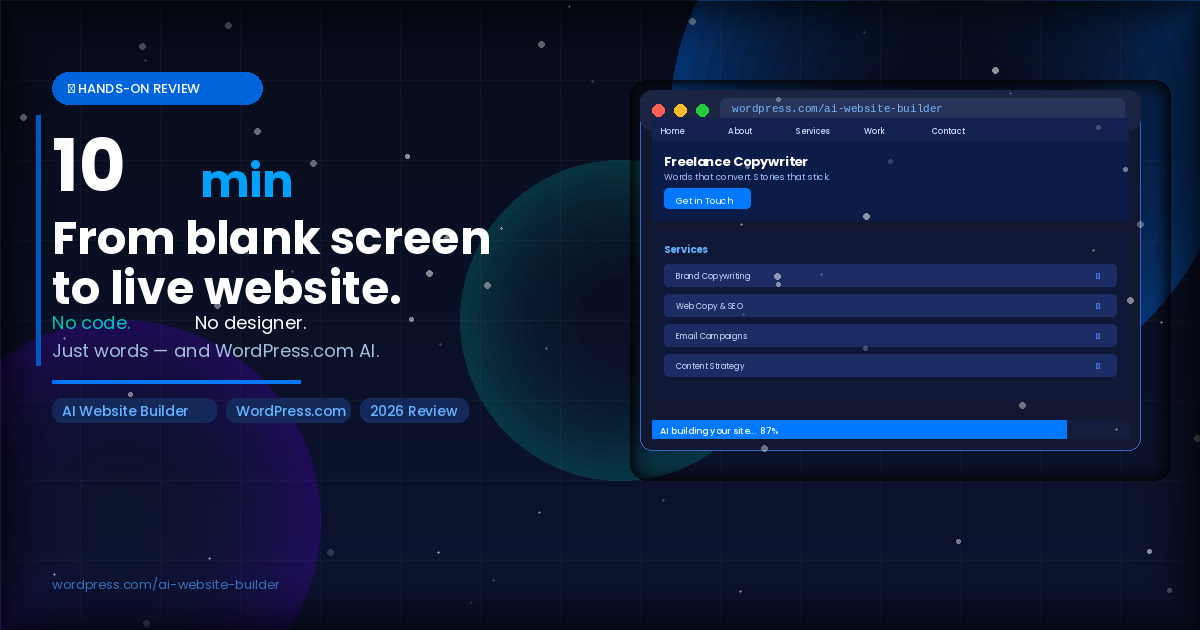
I kept this as close to a real first-time experience as possible. No prep, no templates pre-selected, no prior knowledge of what the AI would ask. Just me, a fresh browser tab, and a vague idea for a portfolio site for a freelance copywriter — the kind of site I’ve seen people struggle to get live for months.
Step 1: Describing the Site (Minutes 0–2)
The interface opens with a simple prompt: describe your site. I typed something like: “A clean, professional portfolio site for a freelance copywriter. I need a homepage, an about page, a services page, and a contact form. The tone should be confident but approachable.”
That’s it. No dropdown menus to navigate. No choosing between 47 layout options. Just a sentence — the kind you’d type to a colleague.
The AI started building immediately.
Step 2: Watching It Come Together (Minutes 2–5)
This is where my skepticism started to soften. In real time, I watched the AI populate pages with structured content — not lorem ipsum filler, but actual placeholder copy shaped around what I described. The headline read like a real copywriter wrote it. The services page broke down what a freelance copywriter offers in clear, reader-friendly sections. The about page had a narrative arc.
The layout was clean. The color palette was neutral and professional — nothing garish, nothing that screamed “template from 2014.”
Was every word perfect? No. But it gave me something to react to, refine, and build from. That is fundamentally different from staring at a blank page.
Step 3: Refining and Customizing (Minutes 5–9)
I made a few edits directly in the editor — swapped a headline, adjusted the tone of the about page, and added a short paragraph about process. The editing experience felt like working in a real CMS, because it is. The AI had done its part. Now I was in the driver’s seat.
This is the part that I think matters most: the AI doesn’t lock you in. Everything it builds is yours to edit, reshape, and grow.
Step 4: The Site Was Live (Minute 9:47)
I hit publish. The site went live. Under ten minutes from first keystroke to published URL.
I genuinely sat back in my chair for a moment. Not because it was magic — it wasn’t. But because it made something that felt impossible, feel completely manageable.
What the WordPress.com AI Builder Gets Right
After more testing beyond that first run, here’s what consistently impressed me:
- Speed without sacrificing substance — You’re not getting a wireframe or a mockup. You’re getting a real working site with real copy that reflects your actual input.
- Plain language works — You don’t need to speak web design. If you can describe your business to a friend, you can build a site with this tool.
- It’s real WordPress — This is not a walled garden or a proprietary builder that locks your content away. It’s a full WordPress.com site, with everything that entails: portability, extensibility, a global community of developers and plugins behind it.
- You stay in control — The AI gives you a strong starting point. Refining it is intuitive. Nothing is permanent, everything is editable, and your voice comes through in the final product.
- Hosting, security, and updates are handled — This is quietly one of the biggest practical advantages. You don’t need to manage a server. You don’t need to worry about plugin security updates at 2am. WordPress.com handles the infrastructure.
Who Should Use This — And Who Should Know What to Expect
The WordPress.com AI website builder is genuinely excellent for:
- Freelancers and consultants who need a professional web presence and don’t have time to build from scratch
- Small business owners who’ve been putting off getting online because the process felt too technical or too expensive
- Creators — bloggers, photographers, coaches — who want a real home base beyond social media profiles
- Anyone who has started a site builder project, abandoned it out of frustration, and never quite gone back
A few honest notes, because I believe in keeping things real:
- This is a starting point, not a finished product — The AI gives you a strong foundation. You’ll still want to personalize it. The copy it generates is smart, but your specific story, your actual client testimonials, your real voice — that still comes from you.
- It’s collaborative — If you walk in expecting to type two words and walk out with a done-for-you site that needs zero input, temper that expectation. What you get is a fast, smart collaborator that does the heavy lifting. You still make the calls.
Why “I’ll Build a Website Later” Is Costing You More Than You Think
Here’s something I’ve seen consistently over years of covering digital tools and online business: the people who delay getting a website almost always regret it. Social media is rented land. Algorithms change, platforms pivot, accounts get restricted. Your website is the one place online that you actually own.
The irony is that the friction has never been lower. With a tool like the WordPress.com AI builder, the old excuses — I don’t know how to design, I can’t write copy, I don’t have time — carry a lot less weight.
You still need to show up with your ideas, your content, and your voice. But the technical mountain is gone.
Final Verdict: Worth Trying? Absolutely.
If you’ve been on the fence about building or refreshing a website, the WordPress.com AI website builder is the most painless on-ramp I’ve tested. It respects your time, it produces real results, and it doesn’t make you feel like you need a computer science degree to get started.
I went in skeptical. I came out genuinely impressed — not because AI performed a miracle, but because it eliminated the biggest obstacles standing between most people and having a professional web presence.
The blank screen problem? Consider it solved.
Ready to try it yourself? Build your site at wordpress.com/ai-website-builder — it takes less time than you think.