
Financial Transaction Automation
Centralize invoices, payments, expenses, receipts, and tax data; validate against accounting standards; auto-sync clean financial records to all business platforms and reporting dashboards.
QuickBooks Online Integration streamline financial operations and eliminate manual data entry. Our certified QuickBooks specialists deliver seamless integrations that connect your accounting with sales channels, inventory systems, and business apps, creating automated workflows that scale with your business ambitions.
Stop juggling multiple systems and endless spreadsheets. With 200+ successful QuickBooks integrations across growing businesses, we transform disconnected financial processes into intelligent automation while maximizing your existing software investments. From eCommerce sales sync to automated expense tracking, we configure QuickBooks to power your business growth without the complexity.
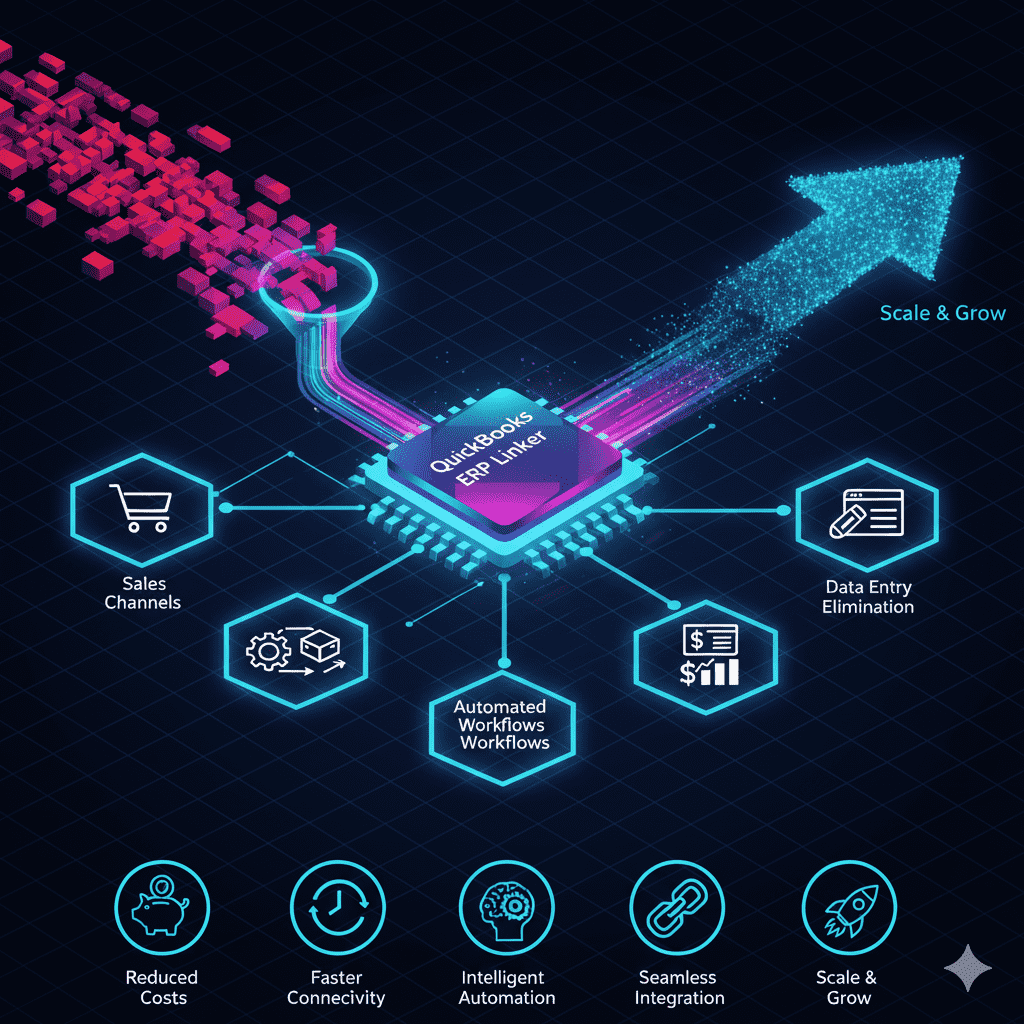
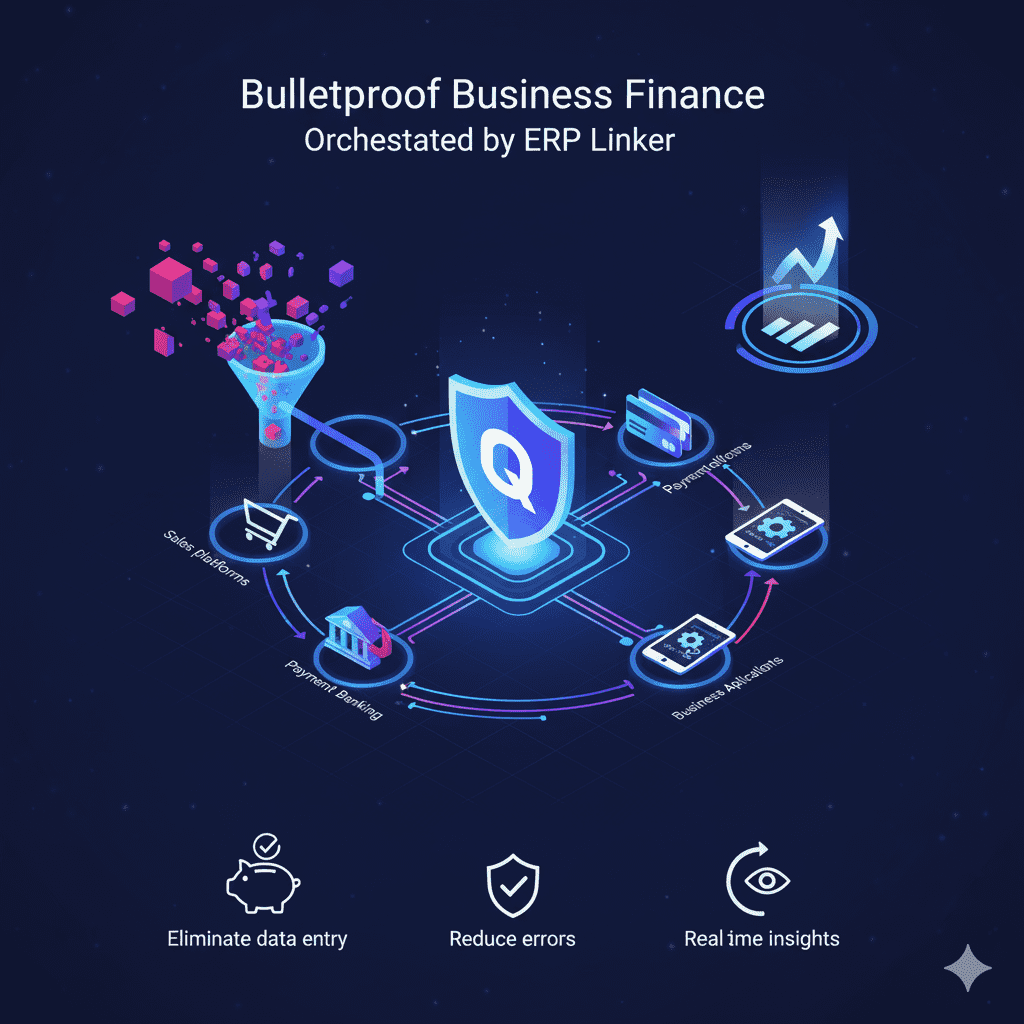
ERP Linker transforms QuickBooks from basic bookkeeping software into your business command center by connecting every revenue stream, expense source, and financial touchpoint into one intelligent ecosystem. We synchronize sales platforms, payment processors, banking systems, and business applications directly with QuickBooks—creating automated financial workflows that eliminate manual data entry, reduce errors, and provide real-time business insights without human intervention.
Our QuickBooks specialists architect custom integration solutions that connect your entire business ecosystem to your accounting foundation. When a customer purchases on Shopify, QuickBooks automatically generates the invoice, updates inventory, records the payment, and categorizes the transaction for tax reporting. When you swipe your business credit card, the expense self-categorizes, attaches to the correct project, and updates your cash flow dashboard instantly.
Transform accounting chaos into intelligent workflows with automated reconciliation, smart categorization, and hands-free reporting. Every financial transaction—sales imports, expense captures, invoice generation, payment tracking—processes once and updates everywhere seamlessly.
Accelerated business insights: Automate invoice workflows, expense categorization, and financial reporting cycles—transforming month-end closing from weeks of manual work into instant, automated intelligence that drives profitable decisions.
ERP Linker connects QuickBooks with your entire business ecosystem—eCommerce platforms, payment processors, banking systems, expense apps, and CRM tools—creating intelligent financial workflows that capture every dollar, categorize every expense, and generate every report automatically. When your Shopify store processes a sale, QuickBooks instantly creates the invoice, records the payment, updates inventory costs, calculates taxes, and triggers follow-up workflows without human intervention.

Centralize invoices, payments, expenses, receipts, and tax data; validate against accounting standards; auto-sync clean financial records to all business platforms and reporting dashboards.
Connect payment processors, banking systems, and merchant accounts; map transactions per channel and keep cash flow, fees, and reconciliation in sync so accuracy stays perfect everywhere.
Sync QuickBooks chart of accounts, tax categories, approval processes, and automated triggers to multiple business apps; schedule financial updates with validation and audit trails.
Manage separate company files, subsidiaries, cost centers, and departmental tracking per business unit; handle multi-currency transactions, tax jurisdictions, and compliance requirements from one financial backbone.
Maximize QuickBooks with expert setup, seamless integrations, optimization, and reliable support—powered by real-time business app connections for scalable, measurable financial control.
Define the chart of accounts once; validate required fields, tax categories, and audit trails before processing transactions across all business platforms.
Capture, categorize, approve, and record new transactions with automated workflows and scheduled financial reporting cycles.
Sync cash flow by bank account, payment method, business unit, and tax jurisdiction; prevent discrepancies across platforms and financial reports.
Automate tax calculations, regulatory filings, expense categorization, and audit documentation; maintain compliance hygiene across integrations and platform changes.
Keep financial truth aligned across multiple sales channels, payment processors, and business apps from a single accounting system of record.
Detect missing transactions, duplicate entries, incorrect categorizations, and reconciliation gaps; trigger correction workflows automatically.
Real-time transaction logs, failed sync retries, cash flow alerts, and versioned backup rollbacks so financial operations stay resilient during peak business periods.
Monthly financial system reviews to expand platform coverage, refine automation rules, and unlock more efficiency value without technical debt or manual overhead.
Connect accounting, payments, and business apps—then sync accurate, automated financial data across every platform at scale.
Go live with QuickBooks financial automation from day one—real-time transactions, cash flow, expenses, and reporting—so business decisions convert and operations keep pace.
ERP Linker delivers financial implementation that balances automation and accuracy: a clear integration roadmap, reliable data connections, and accounting systems built to scale. Expect streamlined platform migrations, optimized workflows, and resilient data flows between QuickBooks and all business apps—reducing manual bookkeeping, errors, and time-to-insight.
Increase profitability
Replace manual data entry with automated workflows; reduce reconciliation time, accounting errors, and reporting delays while lowering total financial management costs.
Enhance cash flow visibility
Real-time transaction sync, expense tracking, and profit monitoring increase financial decision-making confidence and business growth across every revenue stream.
Eliminate financial risk
Validate and backup financial data before processing; restore transactions instantly with complete audit trails for compliance and peace of mind.
Accelerate business insights
Automated reporting, accurate categorization, and consistent financial data remove friction from transaction capture to business intelligence, enabling faster growth decisions.
Ready to streamline finances? Explore how ERP Linker's QuickBooks solutions automate accounting processes with real-time business data and proven integration strategies.
QuickBooks integration, workflow automation, and business app connectivity—solutions designed for scaling businesses.
App Connections
Payment processors, eCommerce platforms, CRM systems, and expense apps—integrated with Shopify, Square, PayPal, Stripe, HubSpot, Salesforce, and more.
Businesses achieve 90% faster reporting, 60% lower bookkeeping costs, and 40% better cash flow visibility with QuickBooks automation.
Comprehensive QuickBooks assessments with custom automation roadmaps—integration priorities, timelines, and optimization strategies included.